Skip to content

Pump controls

Automatic pump controllers and float switch

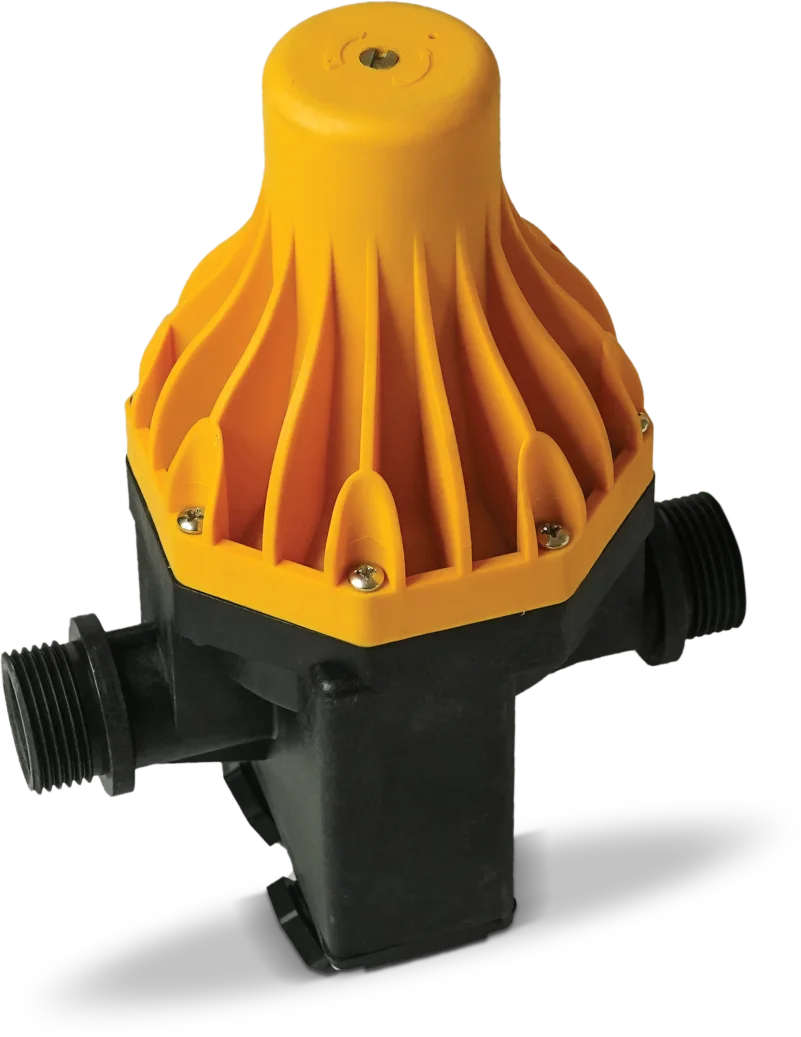
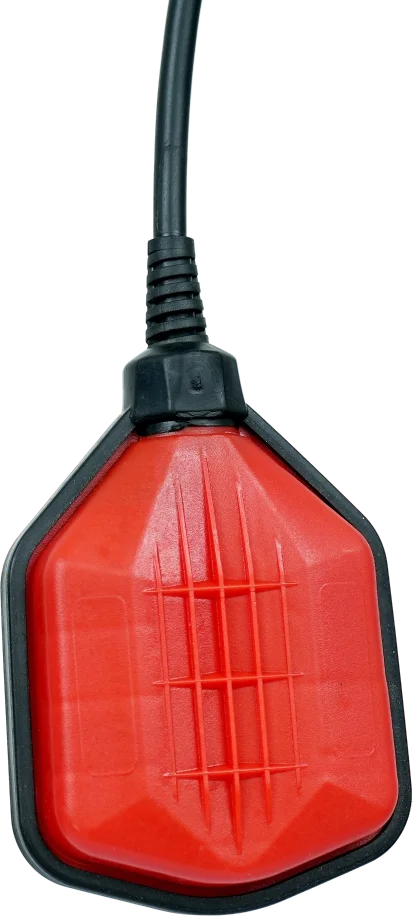
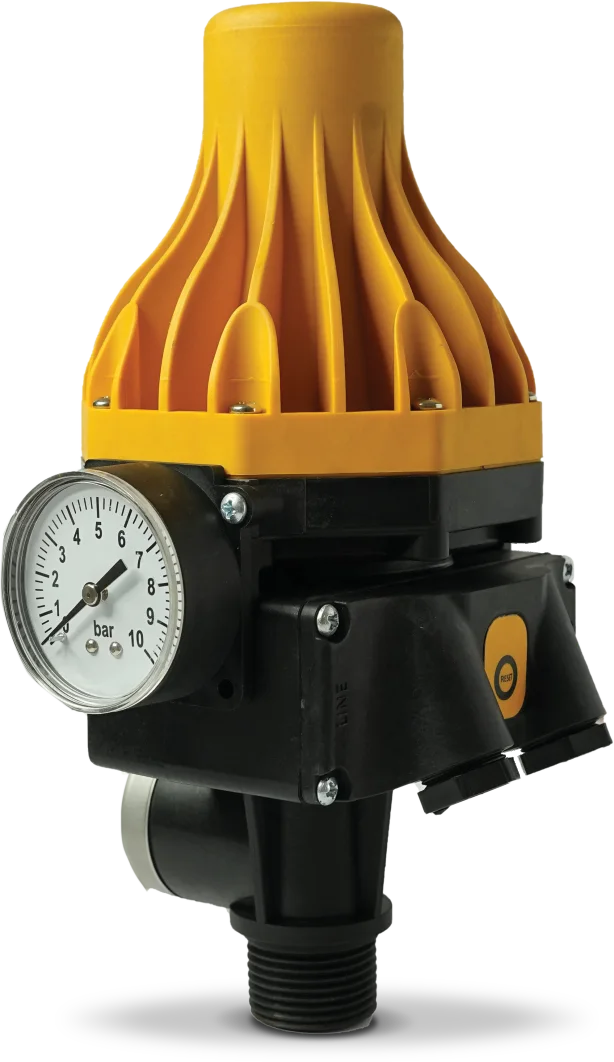
Controllers that start the pump on pressure drop and stop it when flow stops, with dry-run protection, plus a float switch that keeps tanks full. Rated to 10 bar.

How ACV and ACH work

From tap to pump, without a switch

  1. 1A tap opensWater leaves the line and pressure starts to fall.
  2. 2Pressure drops below the start settingAdjustable from 1.3 to 2.3 bar. The controller switches the pump on.
  3. 3The pump runs while water flowsThe built-in non-return valve holds pressure in the line.
  4. 4The tap closes, flow stopsNo flow, so the controller switches the pump off.
  5. 5No water at the pumpDry-run protection cuts the motor out. Press the manual reset once water is back.

ACV controller

See inside

The controller sits between the pump and your taps. Open a tap and watch pressure fall to the 1.5 bar start setting, close it and the pump stops, or let the source run dry.
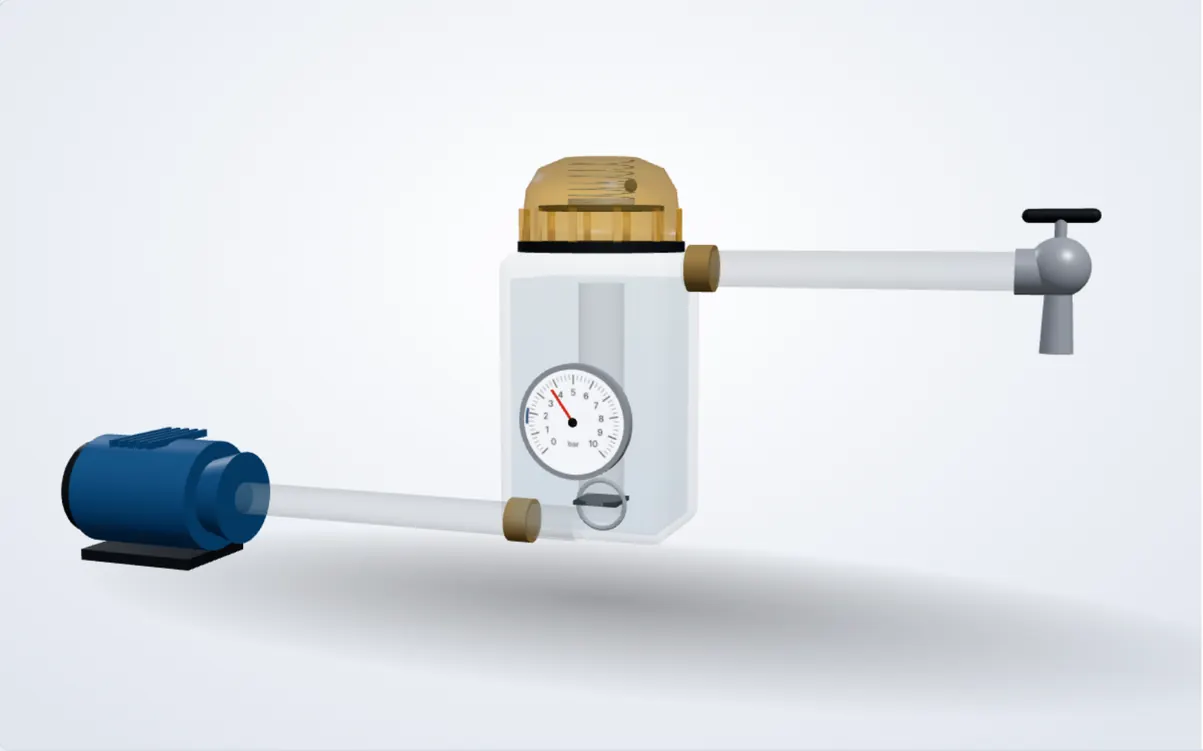
Cutaway of the Futr ACV controller between a pump and a tap: see-through body, yellow cap with diaphragm and spring, pressure gauge on the frontPumpACV controllerTap

Line pressure

3.7bar

Pump off

The line is pressurised and no water is being drawn. The pump rests.

Start pressure
1.3–2.3 bar
Max pressure
10 bar
Ports · rating
1″ · 10 A

Compare

All pump controls

Pump controls catalogue (PDF)